Why Your Devices May Be on the Wrong Wi-Fi Band—and How It Slows Them Down
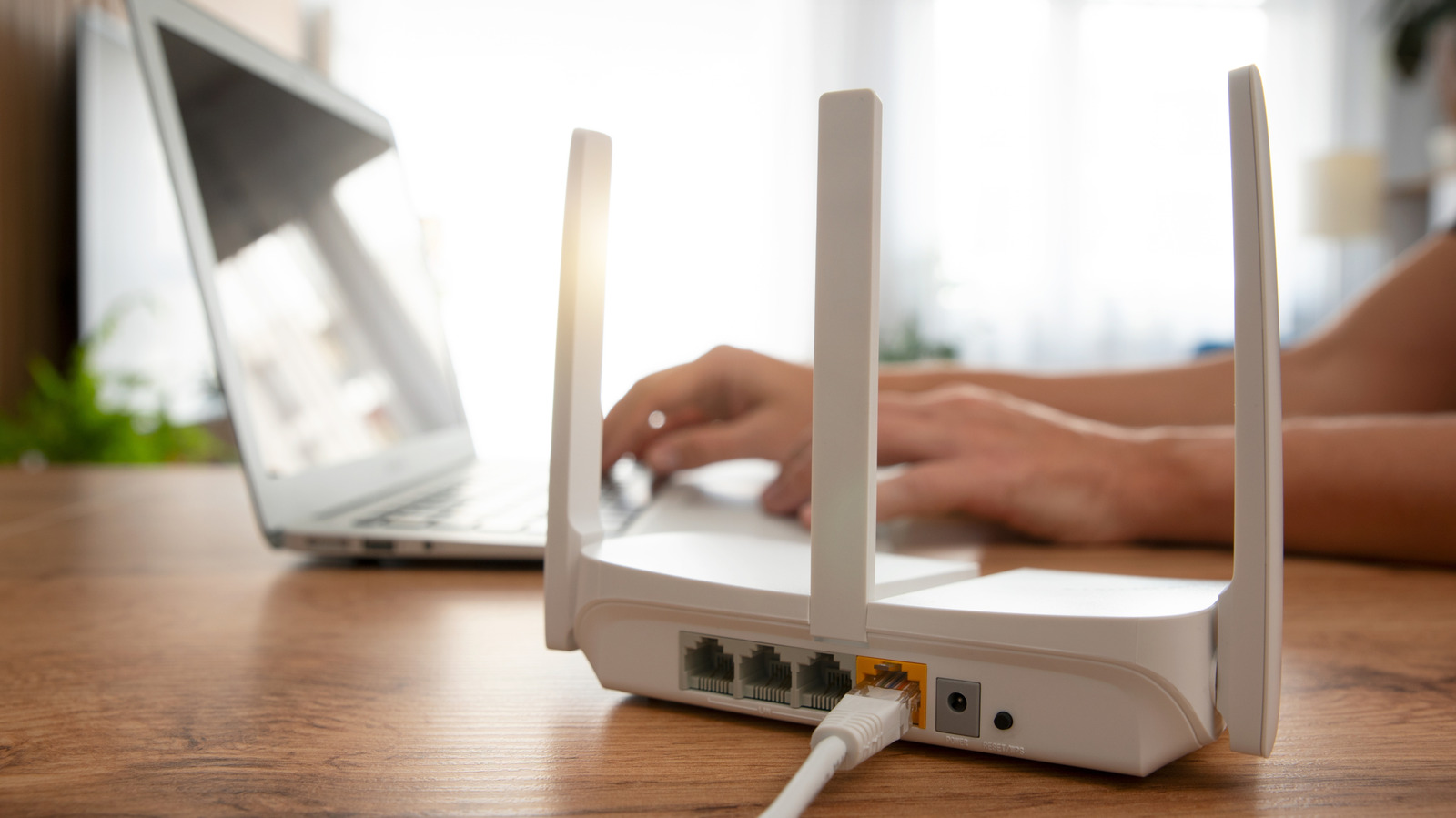
Most modern routers broadcast on two or even three Wi-Fi bands—typically 2.4 GHz, 5 GHz, and increasingly 6 GHz—but many devices automatically connect to a less optimal band, causing unnecessary slowdowns. The 2.4 GHz band offers longer range but lower speeds and more interference, while 5 GHz and 6 GHz deliver faster throughput over shorter distances. When a device like a laptop or smartphone stays on 2.4 GHz despite being close to the router, it misses out on significant performance gains. This often happens because routers use a single network name (SSID) for all bands, leaving the device to decide based on signal strength rather than speed needs. Understanding band differences and manually steering devices—or using band-steering features—can dramatically improve streaming, gaming, and video calls. For households with many connected gadgets, optimizing band selection reduces congestion and ensures each device gets the speed it needs. As Wi-Fi 6E and Wi-Fi 7 bring more 6 GHz availability, taking control of which band your devices use will become even more important for a seamless online experience.