Why Your Apple AirPods Are Chirping: It’s Not Just Low Battery
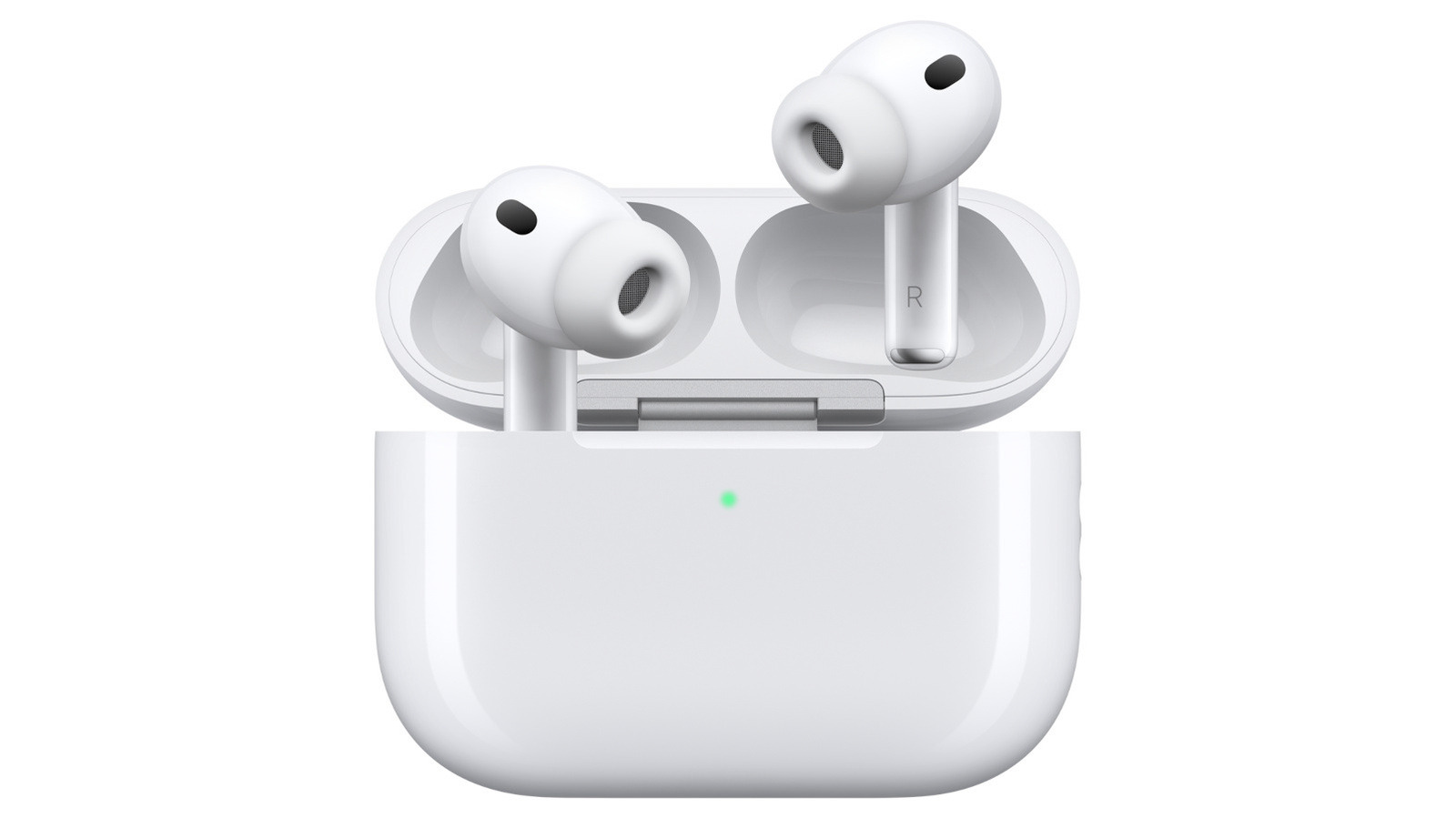
Apple AirPods users often hear a chirping or chiming sound and assume it’s a low battery alert, but that’s only one of several triggers. The noise can also indicate that the earbuds are connecting to a device, that the case is being charged, or that the Find My feature is active. Understanding these different alerts helps users troubleshoot and manage their AirPods more effectively. One common culprit is the Find My network, which uses a sound to help locate lost AirPods—even if they’re not missing, the sound can be triggered accidentally. Fortunately, Apple provides settings to disable or customize these sounds, reducing confusion and unwanted interruptions. For frequent AirPods users, knowing how to control these alerts can save time and prevent unnecessary worry. This guide explains the reasons behind the chirps and offers practical steps to turn them off, ensuring a smoother listening experience.