Why Apple CarPlay and Android Auto Overheat Your Phone—and How to Keep It Cool
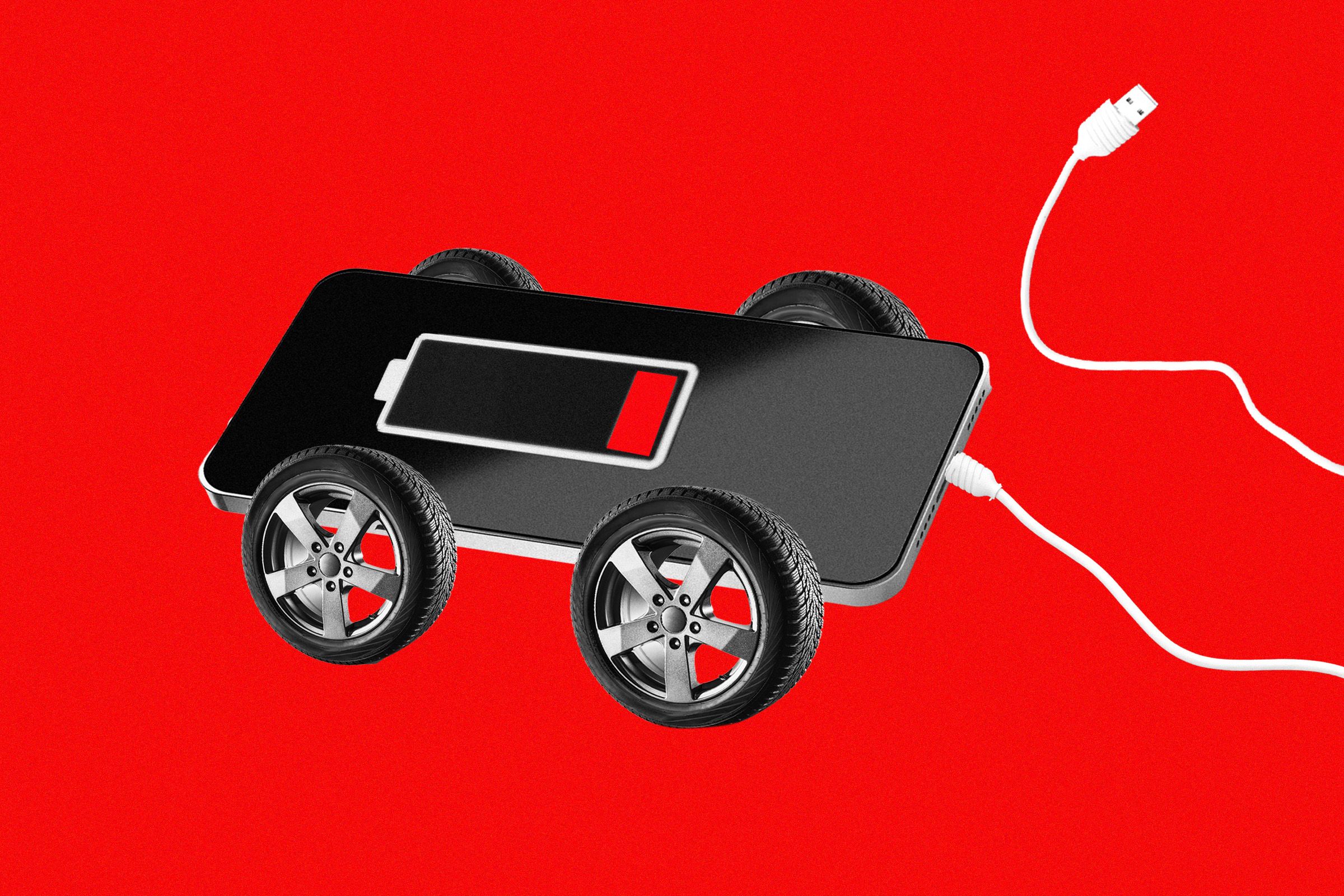
Using Apple CarPlay or Android Auto turns your phone into a navigation, communication, and entertainment hub, but that convenience comes at a cost: your device can get uncomfortably hot and drain battery faster than usual. The culprit is the combination of GPS, cellular data, screen mirroring, and charging—all running simultaneously, often while the phone sits in direct sunlight or a poorly ventilated mount. Overheating not only shortens battery lifespan but can also trigger performance throttling or safety shutdowns, leaving you without maps or music mid-drive. To keep your phone cool, experts recommend using a vent-mounted holder positioned away from direct sun, reducing screen brightness, closing background apps, and avoiding wireless charging while using CarPlay or Android Auto. If your phone still runs hot, consider using a low-power mode or switching to a wired connection, which generates less heat than wireless projection. Ultimately, a few small adjustments can protect your device and keep your dashboard experience smooth, even on long summer road trips.