Unlock Hidden Apple TV Remote Shortcuts for Faster Navigation
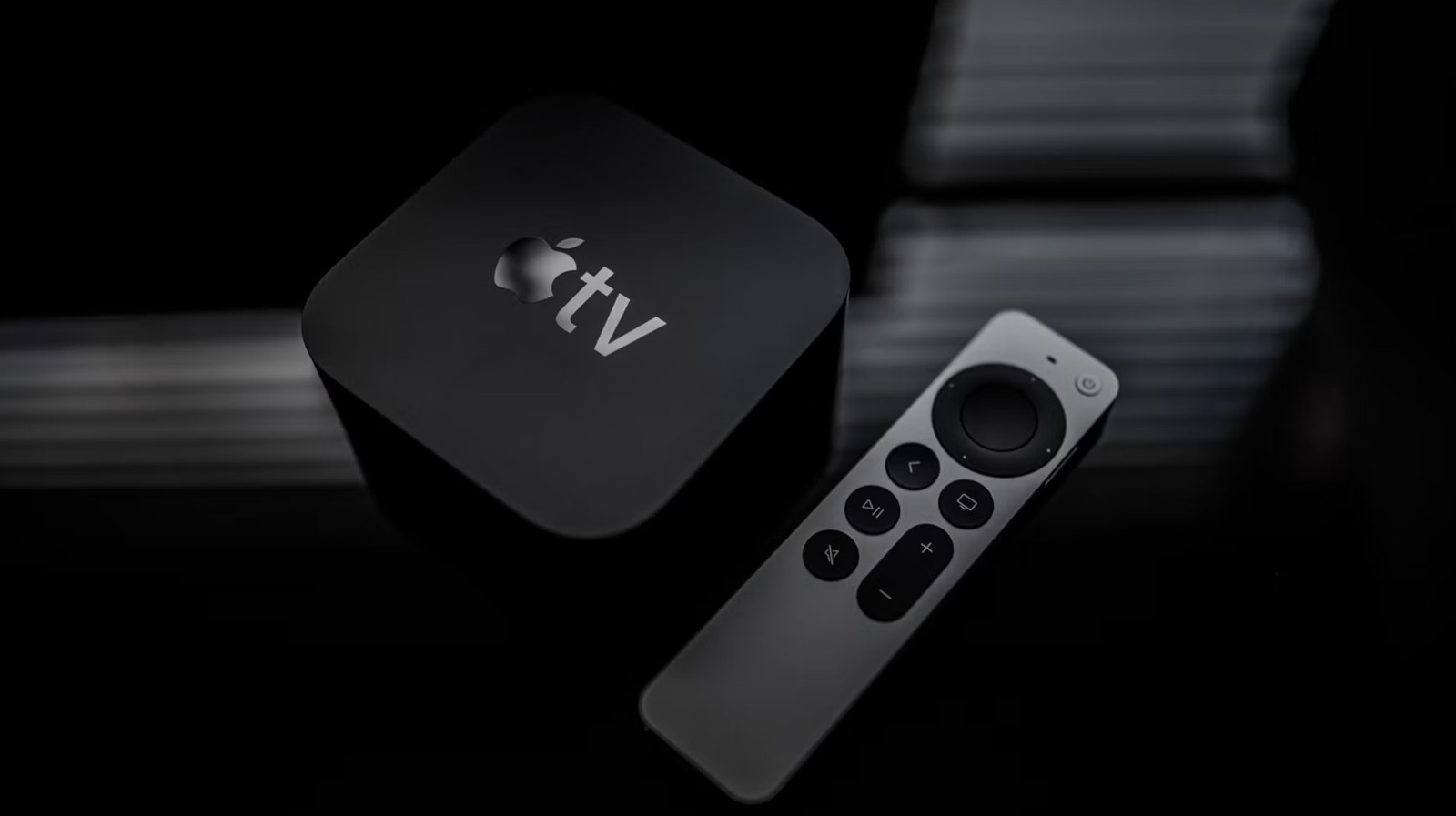
Most Apple TV users only scratch the surface of their remote's capabilities, missing out on time-saving shortcuts that make navigating menus significantly faster. The Siri Remote, included with recent Apple TV models, features a touch-enabled clickpad and dedicated buttons that can be used in clever ways beyond basic scrolling and selection. For instance, pressing and holding the TV button opens Control Center, while a double-press activates the app switcher for quick multitasking. These built-in functions are often overlooked, yet they streamline common tasks like switching between apps or accessing settings. Learning these shortcuts can reduce frustration and enhance the overall streaming experience, especially for those who use their Apple TV daily. Apple has designed the remote to be intuitive, but many of its best features are not immediately obvious. With a few simple tricks, users can navigate with greater ease and efficiency, making the most of their device. Discover how to master your Apple TV remote and transform the way you interact with your entertainment system.