How to Use Your Android Flashlight Without Unlocking: Samsung Galaxy and Pixel Guide
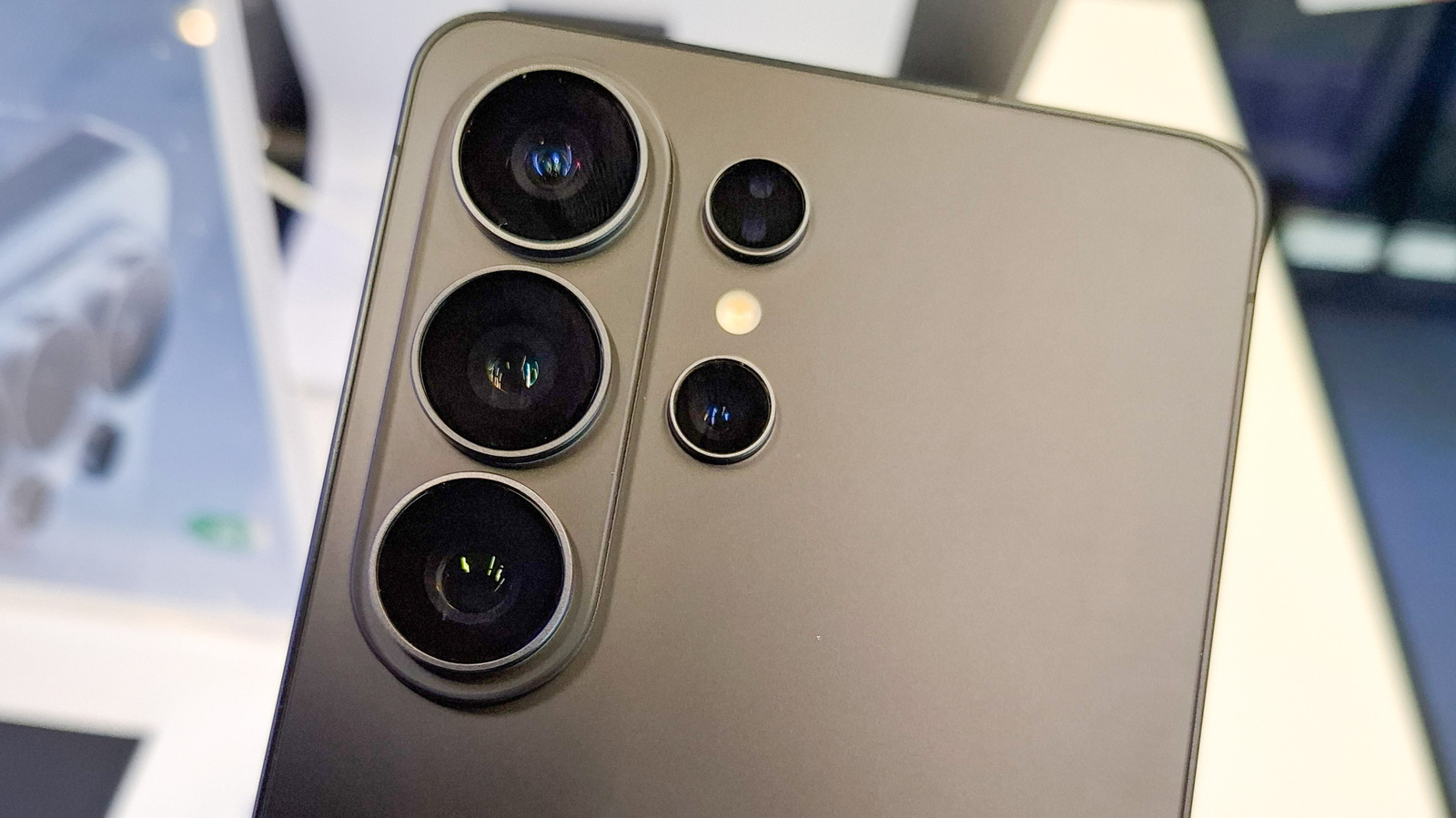
Quick access to your phone's flashlight can be a lifesaver in dark situations, but unlocking your device first can be a hassle. Both Samsung Galaxy and Google Pixel phones offer built-in ways to turn on the flashlight directly from the lock screen, no passcode or fingerprint required. On Samsung devices, you can swipe down from the top of the lock screen to open the Quick Settings panel and tap the flashlight icon. Alternatively, you can customize the side key or use a gesture like double-pressing the power button to instantly activate the light. Google Pixel users can simply swipe down on the lock screen to reveal the Quick Settings tiles and tap the flashlight toggle. For even faster access, Pixel owners can enable the 'Quick Tap' gesture in settings to turn on the flashlight with a double-tap on the back of the phone. These features are especially useful for late-night walks, power outages, or finding keys in the dark. While the exact steps may vary slightly by model and Android version, the core functionality is widely available. Next time you need light in a hurry, skip the unlock screen and shine on with these simple tricks.