How to Identify Your AirPods Generation: Model Numbers and Tips
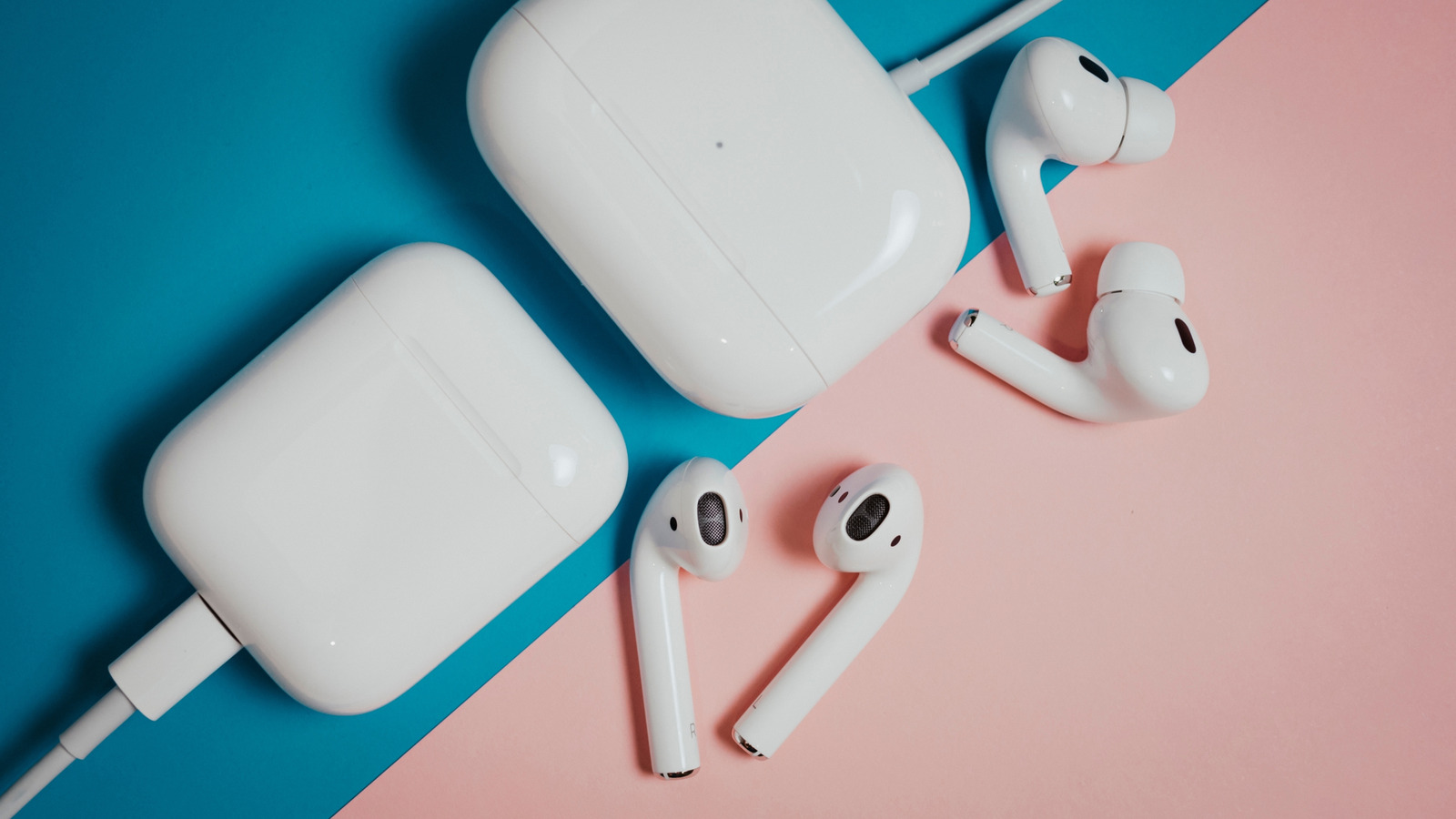
Apple's AirPods lineup has grown to include multiple generations and models, making it tricky to tell them apart at a glance. The key to identifying your AirPods is the model number, which can be found on the earbuds themselves, the charging case, or in your device's settings. For example, AirPods (1st generation) are A1523 and A1722, AirPods (2nd generation) are A2032 and A2031, and AirPods Pro are A2084 and A2083. Newer models like AirPods (3rd generation) and AirPods Pro (2nd generation) have their own unique identifiers. Knowing your exact model matters for compatibility with features like spatial audio, noise cancellation, and battery optimization, as well as for ordering the correct replacement parts or accessories. You can also check the model number by going to Settings > Bluetooth on your iPhone or iPad, tapping the 'i' next to your AirPods, and looking at the Model Number field. If the number starts with an 'A', you can cross-reference it with Apple's official list to confirm your generation. As Apple continues to release new AirPods, staying informed about your specific model ensures you get the most out of your wireless earbuds.