Black USB Ports Explained: What the Color Means and Why It Matters
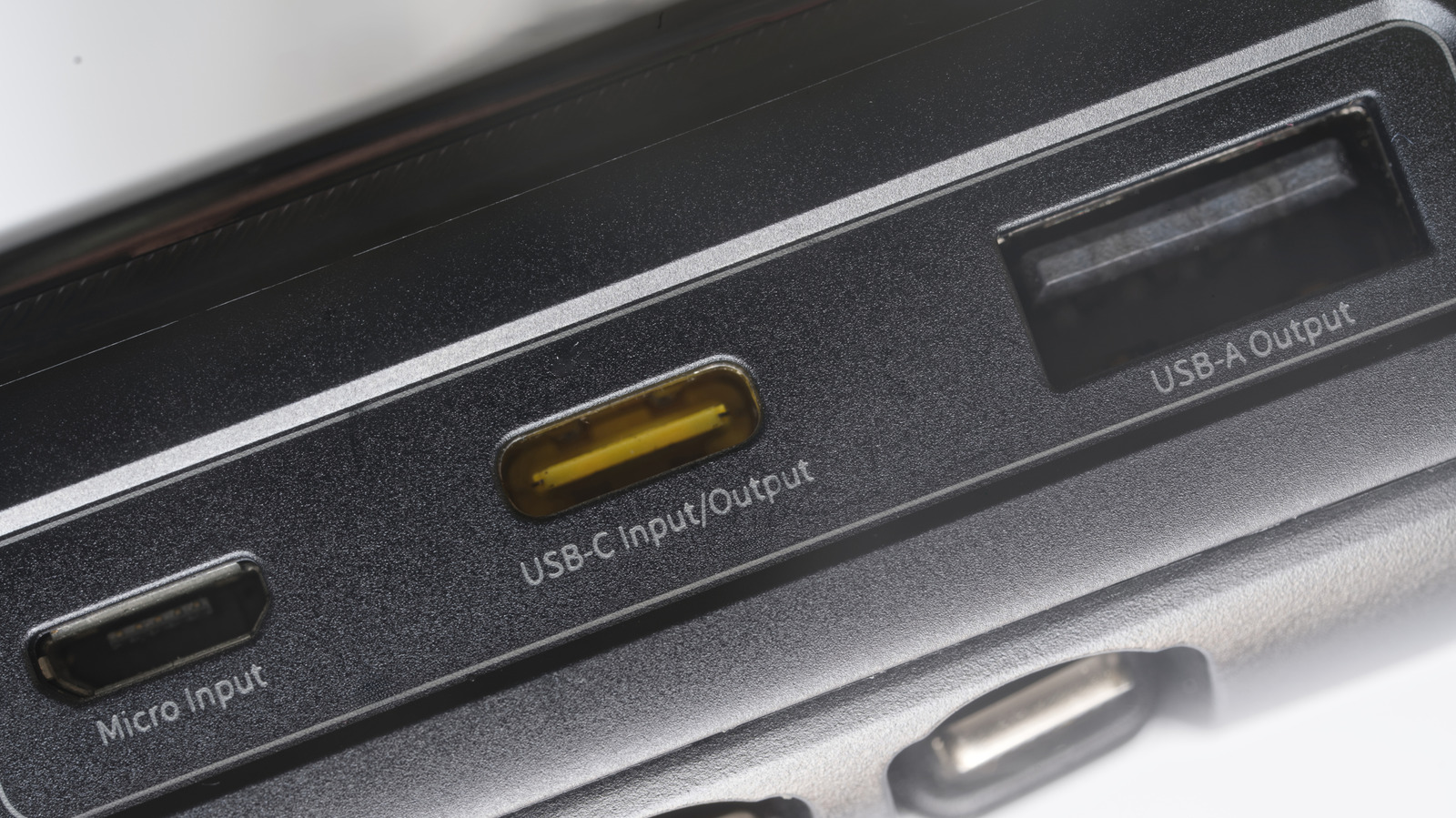
If you've ever wondered why some USB ports are black while others are blue, red, or even orange, you're not alone. The color of a USB port is not just for aesthetics—it often indicates the port's speed and capabilities. Black USB ports typically signify USB 2.0, a standard that has been around since 2000 and offers a maximum data transfer rate of 480 Mbps. While this was once the gold standard, it is now considered relatively slow compared to newer versions like USB 3.0 (blue) and USB 3.1 (teal or red), which can reach speeds of 5 Gbps and 10 Gbps respectively. For everyday tasks like connecting a mouse, keyboard, or printer, a black USB 2.0 port is perfectly adequate. However, for data-intensive activities such as transferring large files, backing up your computer, or connecting high-resolution webcams, you'll want to look for a blue or other colored port to take advantage of faster speeds. Knowing the color code can save you time and frustration, especially when you're in a hurry. So next time you plug in a device, take a quick glance at the port color—it might just make a noticeable difference in performance.