5 Spotify Settings to Change Now: Better Audio, Cleaner Recommendations, and More
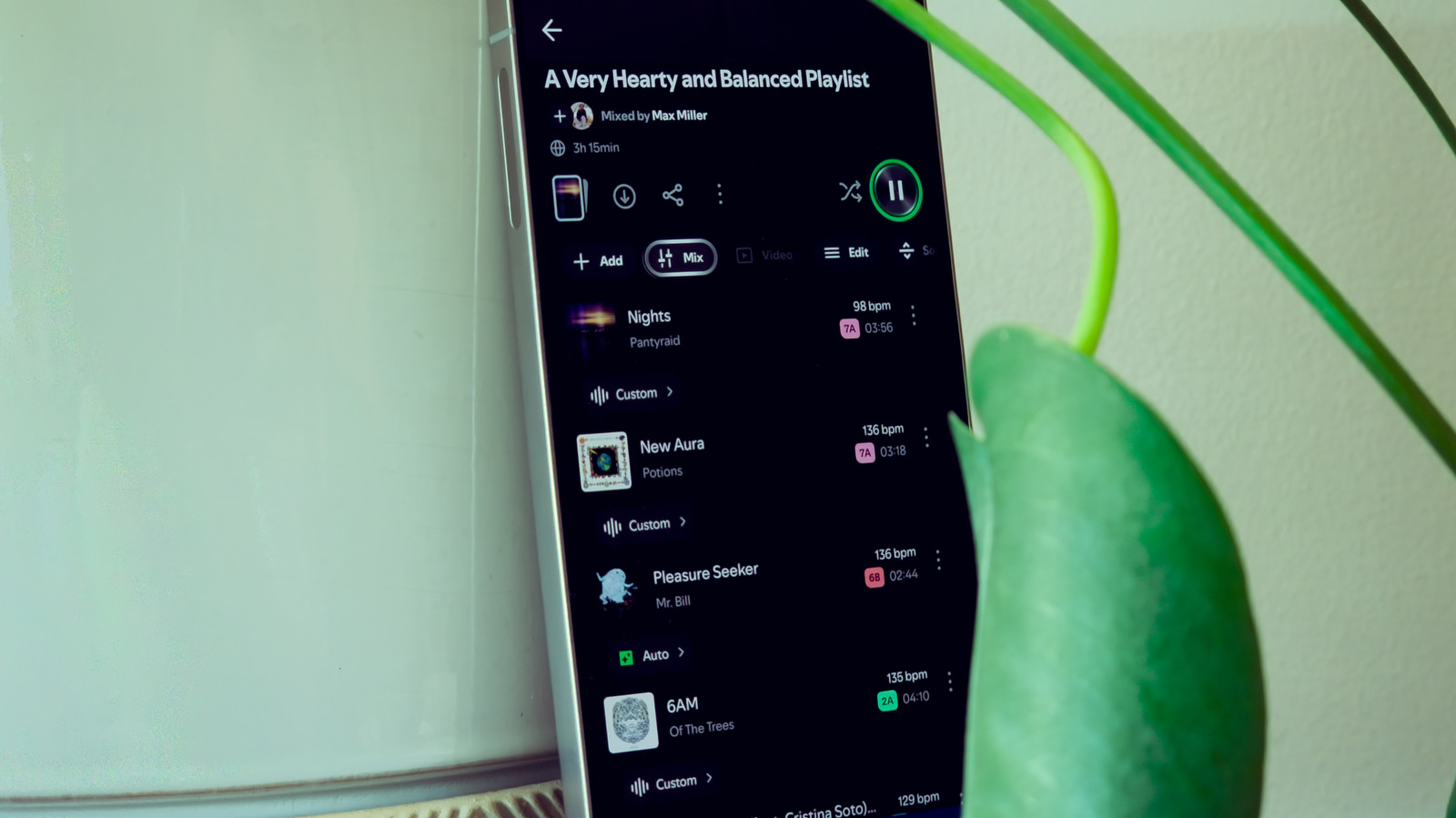
Spotify offers several hidden settings that can significantly improve your listening experience, from boosting audio quality to keeping unwanted tracks out of your algorithm. According to a recent guide, adjusting your audio quality settings to 'Very High' can make a noticeable difference, especially on premium headphones or speakers. This is crucial because Spotify's default quality is often lower to save data, and many users don't realize they can unlock better sound. Another key tip is to use the 'Private Session' mode when listening to children's music or other guilty pleasures, preventing those songs from influencing your personalized recommendations. The guide also suggests enabling 'Normalize Volume' to avoid jarring volume jumps between tracks, and using the 'Crossfade' feature for smoother transitions. Additionally, turning on 'Gapless Playback' is essential for albums meant to be heard continuously, like live recordings or classical pieces. These tweaks are easy to apply and can transform how you enjoy music on the platform, making it more tailored to your taste and listening environment. For anyone using Spotify daily, these settings are quick wins for a better experience.